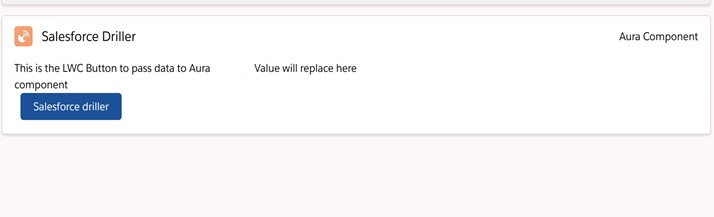
Aura with LWC
There is two way to create the lightning component
- Aura component
- Lightning web component
Difference between LWC and Aura component
| LWC | Aura |
|---|---|
| There is no need of good knowledge of salesforce architecture.it user the standar web tools like css,ECMA7 | Users must be familiar with the salesforce platform deeply. |
| Merging with Aura is not possible | Merging LWC is possible |
| LWC performance is faster | Compare to LWC it is Slow |
| Lwc use standard DOM event | Aura uses the application and component event |
Nowadays every development is moving from aura component to lightning web component, so it is very important to embed the LWC in aura component.
Note: We can embed the LWC in aura component but vice versa is not possible.
How to Use LWC inside Aura
Let’s create the LWC
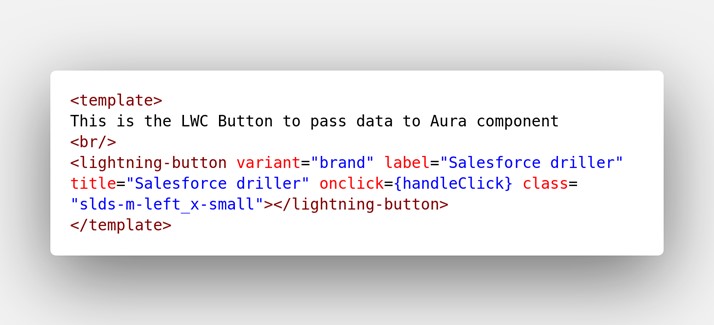
Salesforcedrillerlwc.html
<template>
This is the LWC Button to pass data to Aura component
<br/>
<lightning-button variant="brand" label="Salesforce driller" title="Salesforce driller" onclick={handleClick} class="slds-m-left_x-small"></lightning-button>
</template>
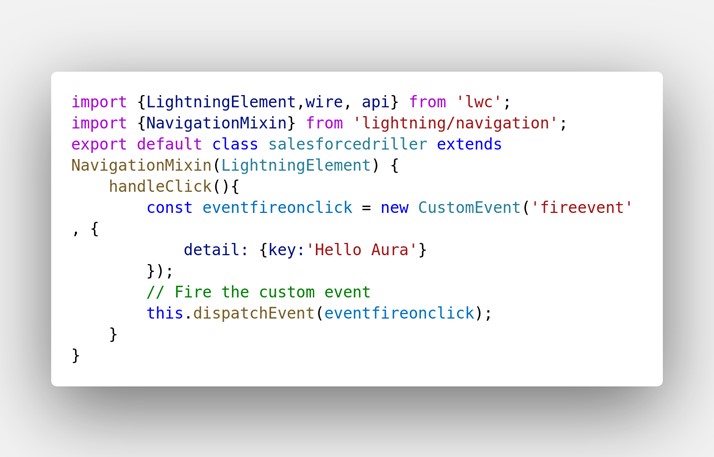
Salesforcedrillerlwc.js
import {LightningElement,wire, api} from 'lwc';
import {NavigationMixin} from 'lightning/navigation';
export default class salesforcedriller extends NavigationMixin(LightningElement) {
   handleClick(){
       const eventfireonclick = new CustomEvent('fireevent', {
           detail: {key:'Hello Aura'}
       });
       // Fire the custom event
       this.dispatchEvent(eventfireonclick);
   }
}
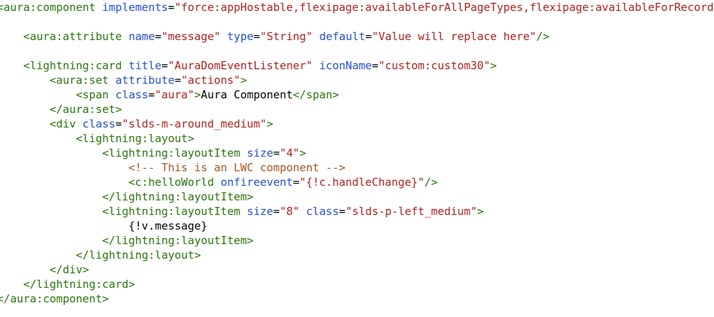
Now it is time to create the aura component which will include the LWC.
Salesforcedrilleraura.cmp
<aura:component implements="force:appHostable,flexipage:availableForAllPageTypes,flexipage:availableForRecordHome,force:hasRecordId,forceCommunity:availableForAllPageTypes,force:lightningQuickAction" access="global" >

    <aura:attribute name="message" type="String" default="Value will replace here"/>

    <lightning:card title="AuraDomEventListener" iconName="custom:custom30">
       <aura:set attribute="actions">
           <span class="aura">Aura Component</span>
        </aura:set>
        <div class="slds-m-around_medium">
            <lightning:layout>
                <lightning:layoutItem size="4">
                   <!-- This is an LWC component -->
                    <c:helloWorld onfireevent="{!c.handleChange}"/>
                </lightning:layoutItem>
                <lightning:layoutItem size="8" class="slds-p-left_medium">
                    {!v.message}
                </lightning:layoutItem>
            </lightning:layout>
        </div>
    </lightning:card>
</aura:component>
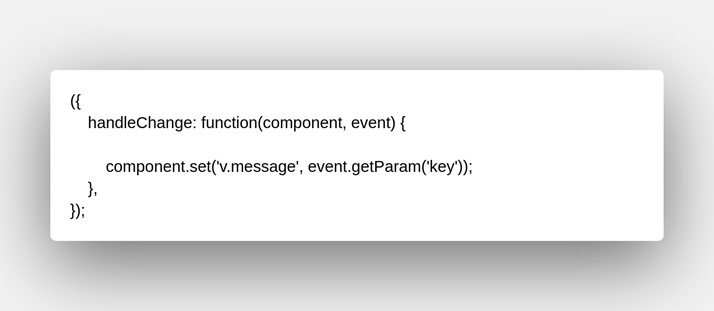
Salesforcedrilleraura.js
({
    handleChange: function(component, event) {

        component.set('v.message', event.getParam('key'));
    },
});
Output